Picture
I recently had an epiphany about the issue of copyright as it applies to media literacy and teaching.  Until recently, I was an educator that was blissfully ignorant about copyright issues when assigning student projects and in my own media use for the classroom.  If I needed an image for a handout or classroom web page, I Googled what I wanted and inserted it.  If my students did a poster project, I made no stipulations about what kind of images could be used or that they keep track of their sources.  In contrast, with writing assignments I pounded in my warning about plagiarism and the need to cite sources.  But for other media, it wasn't that I turned a blind eye.  I just didn't think about it.

About two years ago, I took a graduate course where the professor brought up the issue of copyright and digital citizenship.  We had an assignment to create a digital story to teach a concept to be used in our curriculum and I decided to create a book trailer.  As we learned about the requirements of the project, we had a discussion of copyright.  I realized, as did several other educators in my cohort, that in our personal and professional uses of technology we weren't always modeling the digital citizenship qualities we wanted our students to learn.  This is where I first learned about Creative Commons licensing, how to find free images and music that were copyright-free or friendly and began a new campaign in my classroom to teach copyright awareness to my students.

I had discussions with my 5th and 6th graders and learned that, like me, other teachers at my school weren't talking about copyright with students.  In my desire to rectify this and create "good little digital citizens," I required that students creating book trailers for an extra-credit project, could only use Creative Commons licensed resources.  I had been to a summer workshop that introduced several excellent free tools that I encouraged my students to use, like FreePlayMusic.com and Wikimedia Commons.  The kids were excited by the project, but some lost steam when confronted with the challenge of creating the vision they wanted with only copyright-free images.  Some dropped the project, but I told myself they must not have been that dedicated and I was doing the right thing. The pendulum of my understanding of copyright use for student multimedia projects had moved entirely the other way.  I went from being oblivious to copyright issues to being the copyright police.  Some great projects were created, but I feel like some other potentially great projects were abandoned due to students being frustrated with the limitations.


Fortunately, the pendulum has begun to swing the other way for me based on a better understanding of copyright law and the doctrine of fair use.  I had heard about fair use, but didn't understand it until I recently read Copyright Clarity: How Fair Use Supports Digital Learning by Renee Hobbs.  Hobbs argues that educators need to gain their own understanding of what the law is and how it applies to their specific use situations.  The most powerful provision in copyright law for users is the doctrine of fair use.  Hobbs defines fair use as:

The part of copyright law that enables people to make legal use of copyrighted material without payment or permission under some circumstances, especially for uses related to broad and important social goals related to the development of innovation and spread of knowledge, including teaching and learning, scholarship, news reporting, or criticism and commentary.
In an effort to make copyright and fair use seem simpler to educators, you'll often find checklists and rubrics online and in curriculum materials.  We need to be careful as educators in relying on these as many of these documents are simply guidelines and add restrictions that are not stated in the actual law.  In an effort to "play it safe," many of the guidelines (some negotiated with the media industry) propose narrower use recommendations and make statements that can be confusing or misleading.

The best way to know whether a use of copyrighted material is okay is to know and understand the law for yourself.  The doctrine of fair use states:

The fair use of a copyrighted work is not an infringement of copyright.  This includes reproduction in copies for purposes such as criticism, comment, news reporting, teaching (including multiple copies for classroom use), scholarship, or research.  In determining whether the use made of a work in any particular case is a fair use, the factors to be considered shall include:
  • The purpose and character of the use, including whether such use is of a commercial nature or is for nonprofit educational purposes;
  • The nature of the copyrighted work;
  • The amount and sustainability of the portion used in relation to the whole; and
  • The effect of the use upon the potential market for or value of the copyrighted work.

                                                                                --Section 107: The Fair Use Doctrine of the Copyright Law of 1976
In order to apply the fair use doctrine, a user must be clear on why they want to use a copyrighted work, how they plan to use it, how much of it will be used, and how the use will impact the original work.   If the user can validly answer these questions, the use most likely will fall under the fair use doctrine.  Even in the unlikely occurrence that copyright holders challenge the use of their work, the "reasonableness standard" in the copyright law considers whether a reasonable effort was made in the determination of fair-use and offers some protection for those working in nonprofit and educational fields.

The doctrine of fair uses changes the concept of copyright from being about the authors to being about the users.  There are no hard and fast rules because the law is meant to be flexible and contextual.  Every situation is different and it is up to individual users to decide if their desired use meets the standard.  Hobbs states,"The key that unlocks the doctrine of fair use is the idea of transformativeness." Simply put, does the intended use make the final product substantially different in purpose and audience or add value to the original work?  The whole process of making these determinations can be empowering for students and teach vital lessons in critical thinking.

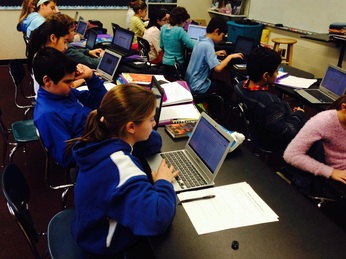
My students are in the process of making book trailers again this year and instead of limiting their creative freedom in choosing media, I introduced the concept of copyright and fair use.  As they begin to select images, they must make a conscious decision for each piece of copyrighted work they wish to include.  Why do they want to include this image?  Could another image be easily substituted?  How will their use be different than the original use of the image?  These questions must be answered to themselves, to their classmates, and to me.  When deciding about the use of copyrighted music, it is trickier.  If a copyrighted song is simply going to be used as background music, that may not be transformative and original in itself.  Students will have to be creative in those aspects and come up with new ways to repurpose the media they wish to use.

Picture
So where am I now in regards to my understanding of copyright and fair use in the classroom?  I’m in a better place with more freedom and choices.  The pendulum has swung towards the center where I can try to help my students find the balance between respecting the rights of media creators, but also apply the legal rights we have as users to transform and share our work with others.


Picture
Reader's notebooks or reading response journals are an important part of many reading classrooms.  I don't strictly follow a reading workshop model in my 5th grade Language Arts classroom, but reading is a core part of our curriculum and students read independently and cooperatively throughout the year.  The missing piece for me was how could I provide greater opportunities for my students to explore their thinking about those independent reading books in visible and tangible ways. 

After studying what many excellent teachers are doing in their classrooms through the examples they have shared on their blogs and websites, I decided I could implement a component of the reading workshop, the reader's notebook.  Reader's notebooks give students a place to make their thinking visible.  Discussions and mini-lessons could allow me to model the type of deep thinking I wanted my students to explore and the writing space would not only allow them to document those thought processes, but would give students an artifact of that growth that they could then use for further reflection.

Picture

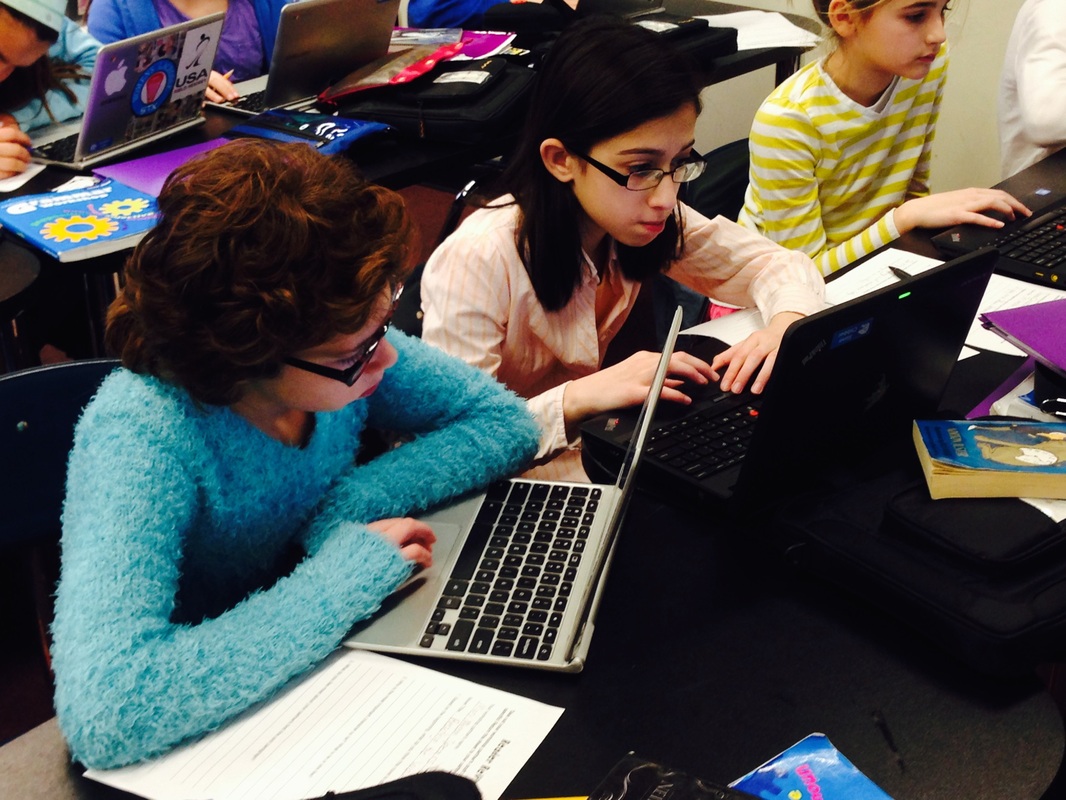
My next idea was to consider how to take advantage of technology in creating the notebooks.  I wanted to make them shareable between me and my students and possibly between students as well.  Google Docs seemed like a great way to go.  My school just became a Google Apps for Education school this fall, and it is a platform that my students have adapted to quickly.

After doing some searching on the web and in the Google Templates gallery for reader's notebooks, I realized that I would have to create what I needed.  I used resources from several teachers like Laura Cander and Beth Newingham for the format and content, such as writing prompts and strategy lists.

The notebook is divided into two sections, My Toolkit and My Writing.  The toolkit section contains guidelines, strategies, writing prompts, and a genre list.  The writing section is where students would keep their responses to journal prompts, a list of books they have read and their levels (Easy, Just Right, or Challenging), a list of books they are keeping "on deck," and interesting vocabulary words they have run across.

Picture
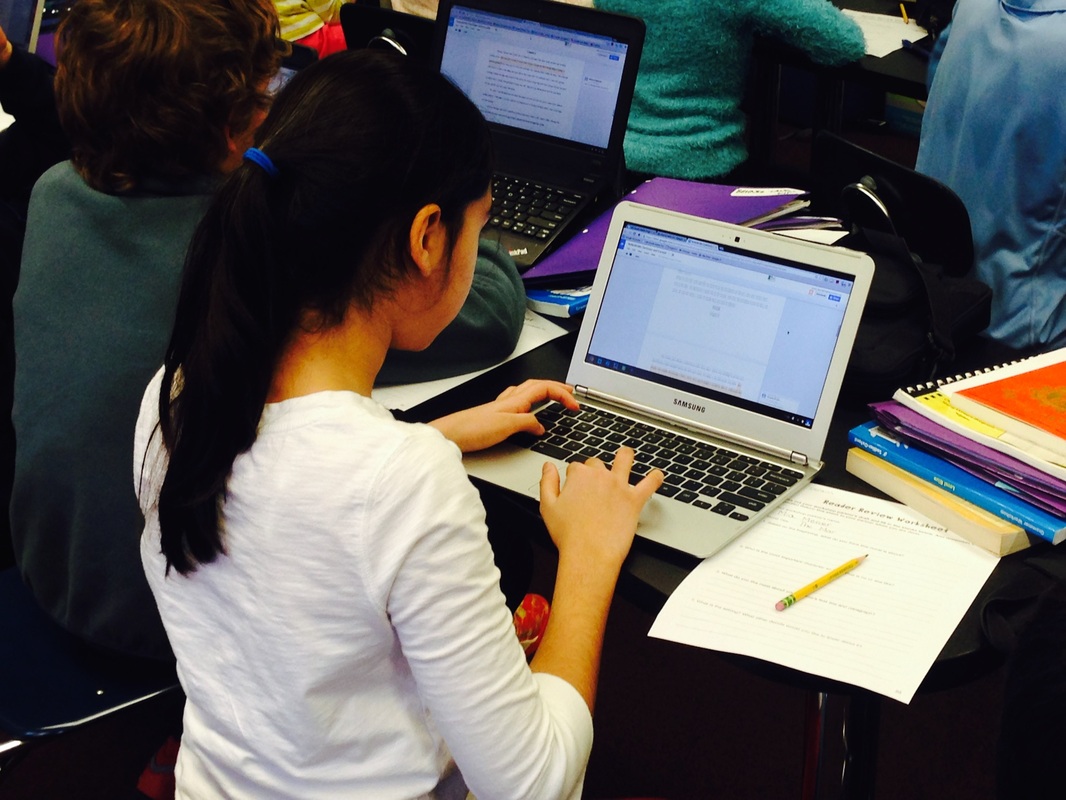
Example journal responses - Sona, 5th grader
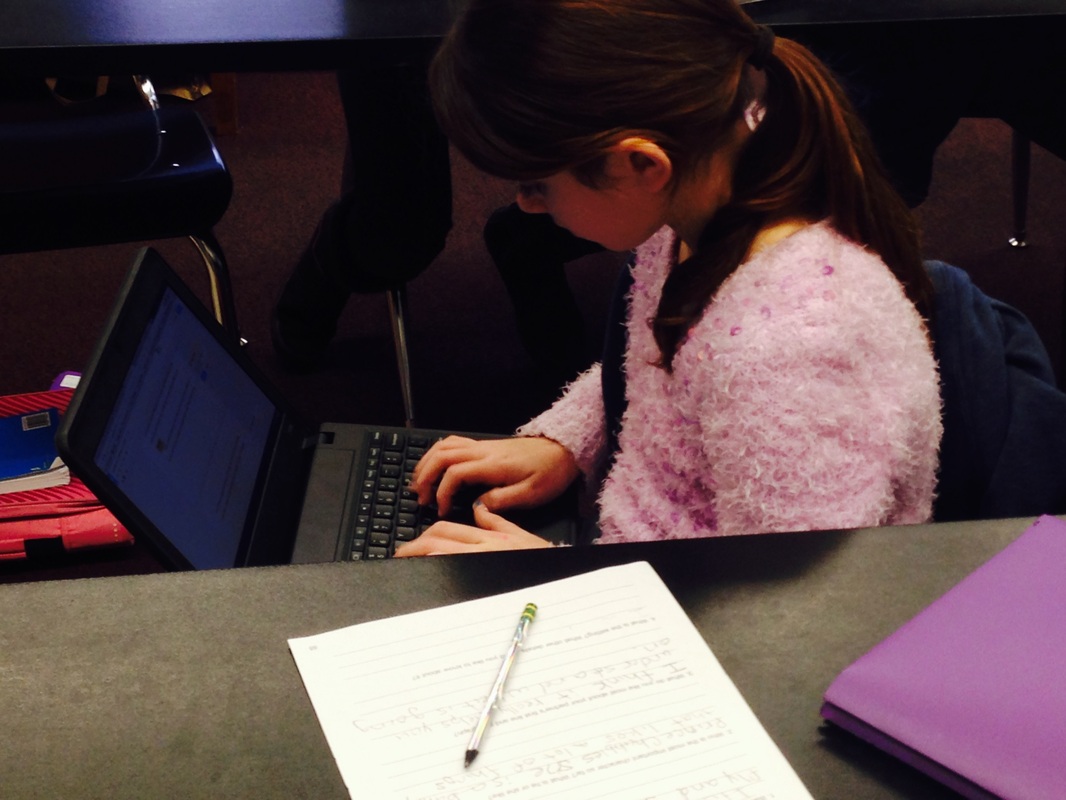
We have been using our new digital journals for about a month and I am impressed by what my students are sharing about their lives as readers and the what they have learned from the books they are reading currently.   Logistically, there are some issues that I need to tweak with the structure of the Google Docs notebooks.  For one, I initially put the writing section at the end and have found that it is not simple for students to quickly start writing.  Even though I embedded bookmarks and links throughout the notebook, it still takes some time for them to find the correct spot to begin writing.  I would definitely put the writing section at the top if I could redo the template.

Secondly, I'd love to have a tabbed interface that would allow students to click on a link to jump to a page dedicated to each section.  This would eliminate the scrolling and the need to have bookmarks for multiple sections.  Since I would like to stay with Google Apps, I think I will next explore if this project could be adapted to a Google Site instead of a Doc.  Sites are still shareable and comments can be made on pages as well. 

Overall, reader's notebooks are a great way to encourage deeper and reflective thinking in students about what they are reading.  By translating the notebooks to a digital format, so many new possibilities are opened.  The notebooks can be archived year to year and become part of a digital portfolio, they can be reviewed by students at the end of the year and provide information they can use in a culminating reading or writing project, they can be shared with parents at parent-teacher conferences or even student-led conferences.  I think digital reader's notebooks are an idea worth considering.

Some great resources I have found related to reader's notebooks and reading workshop are below:

Websites
Scholastic's Top Teaching - The Reader's Notebook
Strategies for Using the Reader's Notebook
Reading Workshop Strategies
Reader's Notebook Prompts
Reading Response Journals:  Writing After Reading Is Revealing

Videos
Units of Study for Reading: Structures of Reading Workshops - YouTube
Reading Response Journals Made Easy - www.lauracandler.com - YouTube

Books
Notebook Connections: Strategies for the Reader's Notebook
The Book Whisperer: Awakening the Inner Reader in Every Child
Igniting a Passion for Reading: Successful Strategies for Building Lifetime Readers


Picture
When I think about online classes, I usually think about college courses for adults like myself.  An online course has a lot of benefits for students that are self-motivated and need the flexibility that an asynchronous learning environment can provide.   I now see how this format has a lot of potential for motivating middle school students and providing personalized learning opportunities.

I recently completed a graduate class on “Teaching K-12 Online” and as part of my course work I developed an online course of my own.  6th Grade Reading Lab is the online course I developed for students at my school.  6th grade seemed like a good place to try a reading skills course like this.  In our program, 6th grade is the second year of middle school, but because many local schools in our area begin the transition to middle school at this point, we often have many new students at this grade level.  In addition, our 5th grade program has a heavy focus on independent reading, so this is a great place to continue that emphasis without taking time away from the current English course.  The course is a hybrid or blended course in that students will have some face-to-face class time in addition to the online content.  Students will work through the course content over 12 weeks with one face-to-face meeting each week.  They will also return for three weeks at the end of the school year to complete a culminating project.  The course is self-paced to allow for students to move through the lessons at a pace that works for them.

There were a lot of choices to make about which LMS (Learning Management System) to use and I chose Schoology.  I really like the layout and look and think it integrates well into the other face-to-face classes I am teaching.  I will have to see how easy it is for students to navigate based on my structure.

Picture
The course is currently structured around 10 lessons which focus on various reading skills.  Each lesson will contain a lecture, some multimedia objects, and an assignment.  In addition, students may have a quiz or practice activity to complete.

Many of the elements of a good reading program include the need for repetition to build automaticity and confidence.  Although the lessons are completed once, each lesson also links to activities in the skills section which can be repeated many times.  I tried to make the activities high-interest and fun so students would enjoy and want to repeat them.  Students will also have opportunities to discuss the lessons, as well as their independent reading, in the discussion forums.

Assessments of reading skills will be given at the beginning, mid-year, and end of the year to track student progress.  I am using a leveled 3-minute assessment that can be given to all students and will share the information with classroom teachers and administrators.  The beginning of the year assessment will allow me to focus on students that might need additional interventions and perhaps tailor some of the activities to their needs.  Students that score low in certain areas may be given extra practice or may meet with me during our face-to-face time.  Students that score well may have practice reduced in areas of strength to allow them more time for independent reading and work on the course projects.

At the end of the course all students will choose a project to complete that will allow them to demonstrate their learning.  The projects will also be high interest, but will align to the skills that were taught in the lessons.  Some of the project include creating a book trailer, creating an audiobook, and making a comic strip.  All of the projects will be completed using various web tools.
Picture
I have also worked to dovetail this class with what students are doing in their regular English course.  I met with my colleagues and made a plan to have students use an online site to record their independent reading.  This will allow me and their teachers to see their reading and has the added benefit of creating a visual library of books that students have read.  Students in the class can see what others are reading and view comments about books that their classmates have left.  The reading projects that are completed will also be counted as a part of their work for English class.

I have enjoyed designing this course and look forward to seeing its effect with students once the school year begins.  In designing the course, I think my biggest mistake was underestimating how much time it would take me to complete it.  I chose a topic that I as an educator have not taught before, so not only was I learning the tools and theory of how to build an online course, I was also studying content.  If I were to choose a topic for a first course again, I might choose something that I have already taught and transformed that into an online course rather than make myself work twice as hard on structure and format AND content.

One suggestion I would make for those considering developing an online course is to include screencasts for students so they are clear about expectations, goals, and procedures for your class.  I have plans for completing these once I finish adding my content so the screencasts can show all aspects of the course.

I’m excited by the possibilities of this course and look forward to seeing how it might develop once school begins and I am able to see how it is helping students improve their reading skills.  I will post more updates as the year progresses!

If you are on Schoology, feel free to view my course here: http://www.schoology.com/course/6197641/materials
 
The Hunger Games 06/18/2011
 
Picture
by Suzanne Collins
Published by Scholastic Press
ISBN: 978-0439023481
384 pages


I am a little late to The Hunger Games party, but finally was able to read it.  Reading a book that already has such a huge and loyal following is a little like going on a trip to a place you've heard lots about while trying to decide if it's really for you.  I wasn't disappointed though. 

Set in the future of what was once North America, The Hunger Games follows the main character Katniss Everdeen.  We learn that society has self-destructed and what remains is a country known as Panem, 12 districts and an all-powerful Capitol city.  As punishment for a failed rebellion, the Capitol has instituted the Hunger Games, a no-holds-bar battle to the death masked as entertainment.  To add insult, the competitors are children between the ages of 12 and 18, chosen by a random draw and forced to fight for their lives, while their families must watch from home.  The games are the worst of reality television, pagentry, manipulation, punishment, and reward wrapped into one.  Each competitor or "tribute"  wants to win, because it means his or her own survival, but winning also means killing the other tributes who might have been your friends if they had not been thrown into the arena with you.

Katniss is a complex character.  At sixteen, she is the provider for her family.  After her father's death in a mining accident and her mother's resulting depression, Katniss does what she must to keep her family alive.  She strays out of the boundaries of District 12 to hunt, an activity punishable by death if she's caught.  She learns to trade some of her catch for other essentials to keep her family from starving.  The harshness of Katniss life forces her to guard her emotions.  Life under the Capitol's control has taught her to hold her tongue to avoid bringing retribution to her family.  Once selected for the games, the rules change.  Although she hates the Capitol and sees the Hunger Games for what they really are, punishment for the districts' rebellion 70 years ago, she has to play along for the sake of her family and her district.

As most people are aware, there's a lot of violence in this book.  The tributes endure brutal attacks from each other and must survive the whims of the Gamemakers, those in the Capitol responsible for keeping the Hunger Games entertaining.  I found myself wincing more than once while reading.  This is a book I would recommend for my mature middle grades readers who aren't overly squeamish.  The Hunger Games is a great book full of intrigue and action.  I'm looking forward to reading the next two books in the series.


Picture
Glogster is an awesome site I discovered last summer and immediately could think of dozens of ways to use it.  Think of all the poster projects you have assigned in the past.  What if those posters could be shrunk down and saved on the computer?  What if those posters could be interactive?  What if those posters could be shared with others outside of your classroom?  That's Glogster in a nutshell.

Part of our sixth grade curriculum involves a study of the Underground Railroad.  We read Virginia Hamilton's excellent mystery The House of Dies Drear in English class and in Social Studies they study the Underground Railroad and a brief history of slavery in the US.  Our unit culminates with an overnight trip to the Joy Outdoor Education program in Clarksville, Ohio where we participate in their living history Underground Railroad simulation.

As a preface to beginning this unit, I have always done a brief research activity with the kids about some notable names related to the Underground Railroad and slavery debate.  Each student is randomly given a person's name and they must find out biographical information and his or her view on slavery.  This year, I redesigned the project to have my students create a glog about the person they were assigned.  They were to imagine it was the year 1851 and a runaway slave appeared at the door.  What would they do? In their glogs, they needed to include:
  • Name of the person as a title
  • A picture of the person
  • A text box with a paragraph about who the person was and how they would react to a slave at the door (written in first person)
  • The map of escape routes for the Underground Railroad and text indicating where the person lived.
  • At least ONE other piece of media related to the person, slavery, or the Underground Railroad
  • A citation text box listing all sources and images used on the glog.
Picture
I created a sample glog for them and using Glogster's "Projects" feature (available for EDU Premium accounts), students were able to create their own glogs based off of my template.
 
 
Picture
You might be thinking, "A citation site?  Really?"  I know, but EasyBib is great for those of us teaching older students to properly identify sources in papers and projects.  I made an interesting discovery this year, most middle school kids don't have a clue about what a citation is and why they need one.  I don't mean to say this is a new discovery for me.  I've taught long enough to have more than one student copy something and present it as his or her own work.  The reason I say it is an interesting discovery is that I had never asked the KIDS what they thought was right and wrong when using outside sources.

In the "old days," when we talked about plagiarism and documenting sources, we emphasize how copying something from a book or encyclopedia was wrong and why we needed to give credit to the authors.  I still talk about those things, but now I'm talking about it in relation to web pages, online images, and video.  The Internet age has changed the dynamics of how information is shared and used and also how people think about that sharing.  In a graduate course I took this fall, we discussed digital citizenship and how we talk to students about intellectual property rights.  So, I asked my kids, "How many of you download images from Google and use them in personal projects and school work?  Do you ever think about who owns that image?"  Most kids, of course, said they did it all the time and never thought about it.  I asked if they were familiar with terms like "Creative Commons" or "copyright licenses."  Again, big blank stares and the sound of crickets chirping in the background.  So, teaching good digital citizenship skills became one of my goals this year and EasyBib was a great tool for helping kids keep track of their resources.
 
 
Picture
The beginning of the school year is a great time to set goals and I had several technology goals at the beginning of this past school year.  Some of them were related to how I, as the teacher, used and modeled technology for my students, but other goals were about student use.  My plan was to explore Web 2.0 resources and find ways to adapt these tools to my curriculum.  I looked for websites that were easy to use, provided opportunities for collaboration and sharing, and enhanced student engagement.

Over the next few weeks I will be posting my "Top 10 List" of educational sites used in my classroom this year.  I explored many, many wonderful tools, but these are the ones that I used the most with my students this year.  My list next year, may look very different, but I hope some of my ten from this year stay in the running.  Stay tuned!
 
Star Readers 05/28/2011
 
Picture
Want to get a kid reading?  Set up a challenge.  Lesson learned!

So I made a deal with my two 5th grade classes that if they could log 4,000 minutes of reading time in the last two weeks of school, we could have a movie and popcorn during our last class period.  After our vocabulary test...I'm not that much of a push-over!

Well, the kids took the challenge to heart and blew it out of the water.  One class has read 5,935 so far and the other class has read an amazing 8,294 minutes!  All the reading was logged using ReadingRewards.com, an excellent site I plan to talk more about in another post.  I noticed some interesting things in doing this challenge with the kids.  The kids that became the leaders, weren't necessarily the obvious leaders in class.  Some of the ones that tend to be quiet and reserved were given a way to shine and motivate others.  On the other hand, the child who ended up being my top reader in both classes surprised me.  Not one that has made me think books were her "thing" this year, she found a series that she loved and spent two weeks immersed in reading.  By herself, she logged almost half of the 4,000 minutes her class needed to win the challenge.  By the way, the book and its sequels that she read was The Tail of Emily Windsnap by Liz Kessler, one of my favorites too!

To reward my top readers, I bought them a giant lollipop and made them a certificate for being a "Star Reader" in the challenge. 
 
 
Welcome to Engaging Readers Digitally!  I am a 5th and 6th grade Language Arts teacher and plan to use this blog to explore and share ways technology can help draw students into books.  So often we hear about how technology can be a distraction and something that pulls our students away from literature.  I think technology has an amazing capacity to pull students INTO books and great literature if only we can harness it.

Please follow me on this exploration and share your thoughts and comments as well.  Welcome to the journey!